
Mark shares his industry experience in detailing the numerous considerations when deciding whether a project is fit for WordPress or vanilla PHP / HTML.
This article is for new developers, and it outlines the process for decision-making on the platform choice.
Updated December 21, 2023
Table of Contents
Understanding the Appeal of WordPress
The Simplicity of HTML and PHP Sites
Decision Factors in Choosing Between WordPress and HTML/PHP
Development Aspects of WordPress vs. HTML/PHP
Responsive Design Considerations
Deployment and Maintenance: A Critical Comparison
Final Thoughts: Making the Right Choice
Additional Reading / Resources
Whenever a new web development project arises, a common question arises: should one opt for WordPress with all its features or a simple HTML or PHP website?
The answer lies in understanding the distinct use cases of WordPress as opposed to regular HTML or PHP sites. We’ll delve into the nuances of each to help you make an informed decision.

Understanding the Appeal of WordPress
Why Choose WordPress?
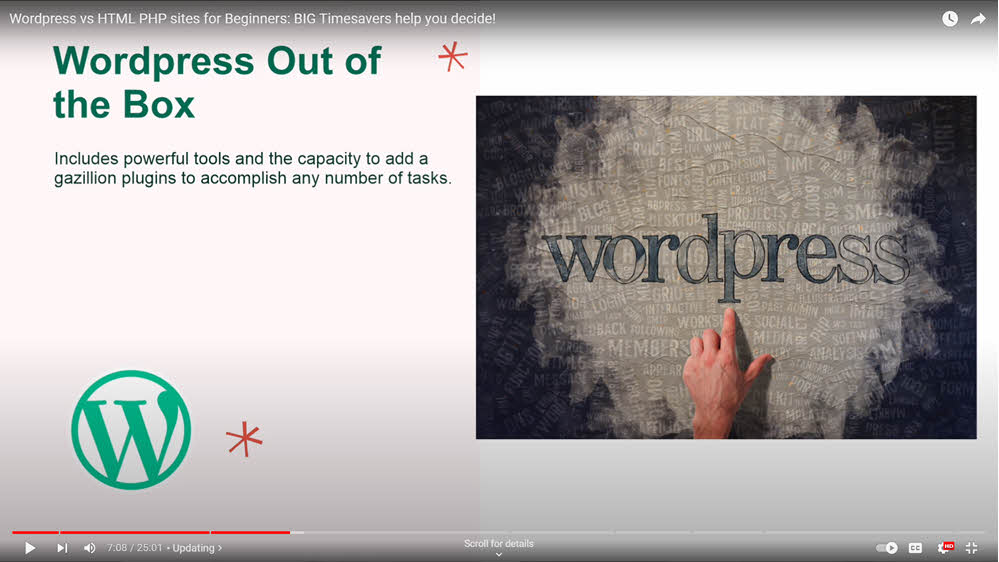
WordPress is favored for its ease of use, especially when clients are responsible for updating their site. With built-in functionality for file transfers and content updates, WordPress eliminates the need for technical know-how in areas like FTP (File Transfer Protocol). This makes it a go-to choice for clients needing a user-friendly content management system.
The Simplicity of HTML and PHP Sites
The Case for Vanilla PHP and HTML
For sites requiring infrequent updates or simple functionality, a basic HTML or PHP website can be more efficient. The absence of a need for theme or plugin updates, common in WordPress sites, makes these platforms particularly attractive for straightforward, static websites.
But at the other end of the spectrum there’s another side to this discussion: Custom functionality, or complex operations that go beyond WordPress plugins’ customization options and are a clear instance where vanilla PHP should be used.
Decision Factors in Choosing Between WordPress and HTML/PHP
Updating Frequency and Complexity
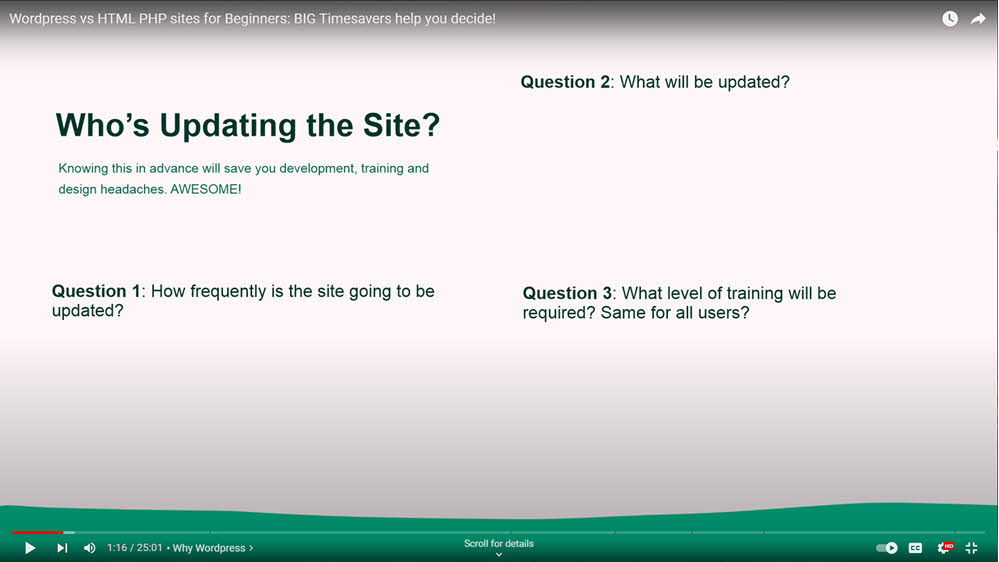
The choice between WordPress and HTML/PHP hinges on who will be updating the site and how often. For regular updates and dynamic content, WordPress is ideal. For annual updates or static content, HTML/PHP sites offer simplicity and ease.
Considerations for Hosting and Setup
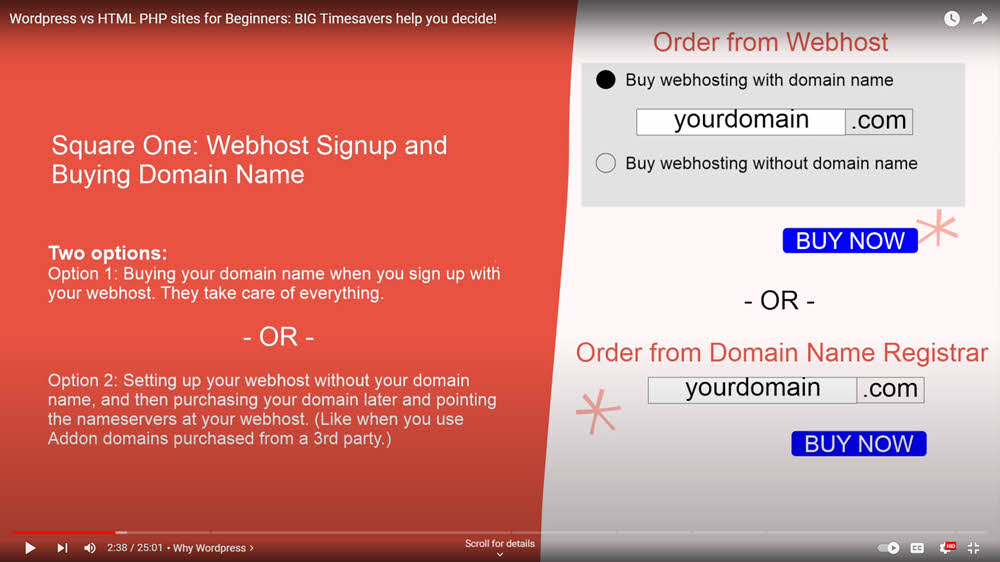
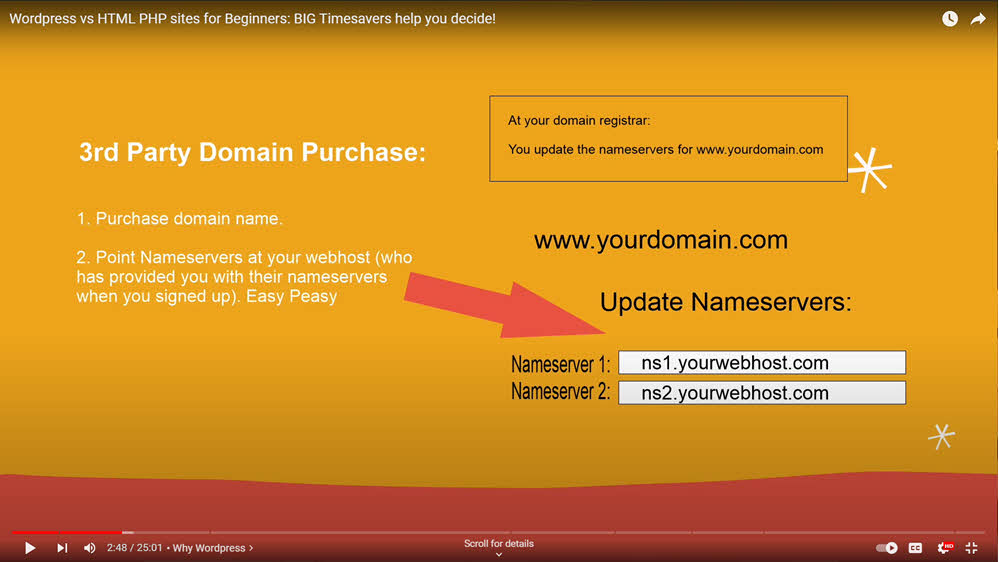
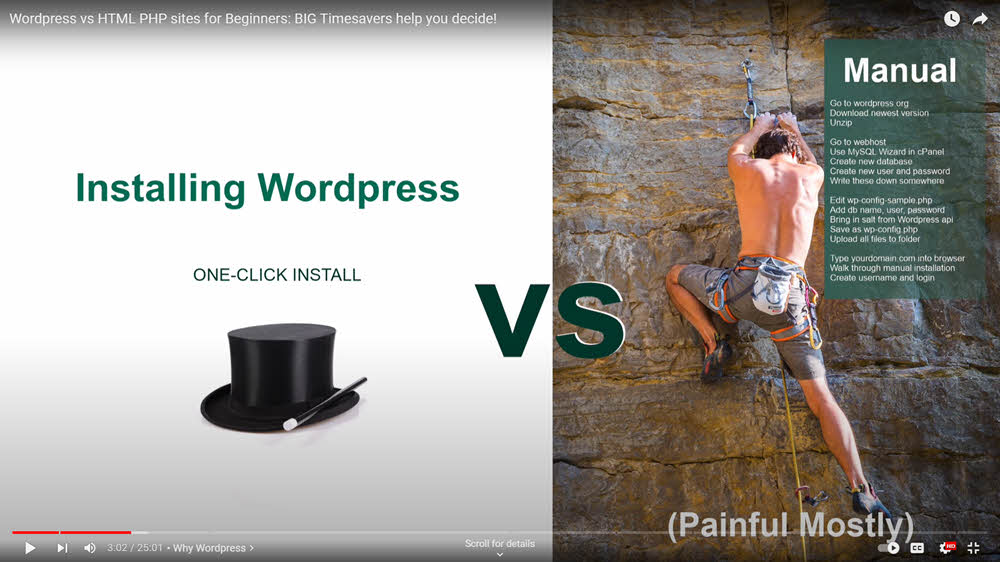
The process of setting up a WordPress site, especially with one-click installs, is streamlined but requires a connection to a database. In contrast, setting up an HTML site is as simple as creating a folder in your web host’s public_html directory, offering a stark simplicity that can be appealing for certain projects.
slide-5
slide-6
slide-7

slide-8
slide-9

slide-901
Development Aspects of WordPress vs. HTML/PHP
Development Environment Needs
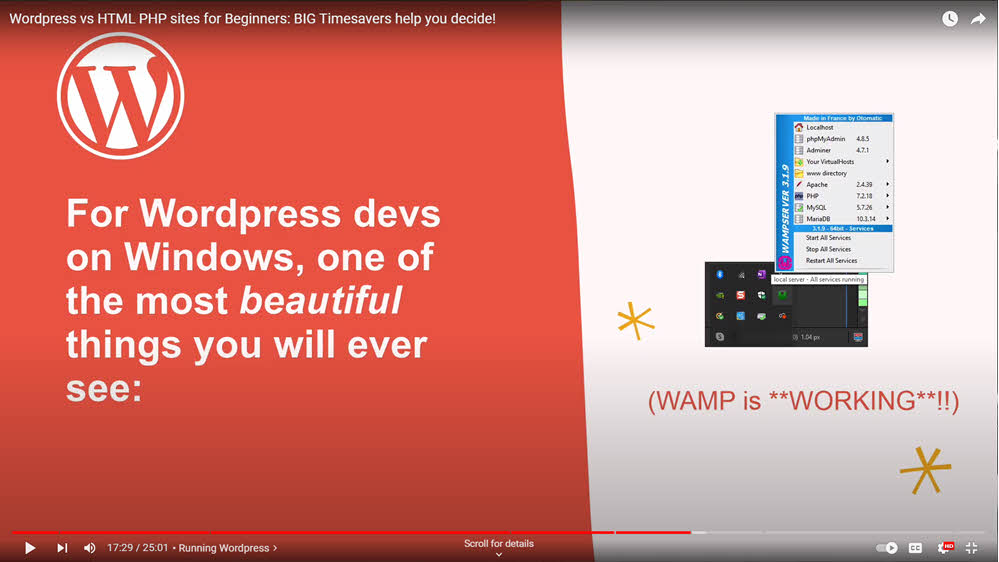
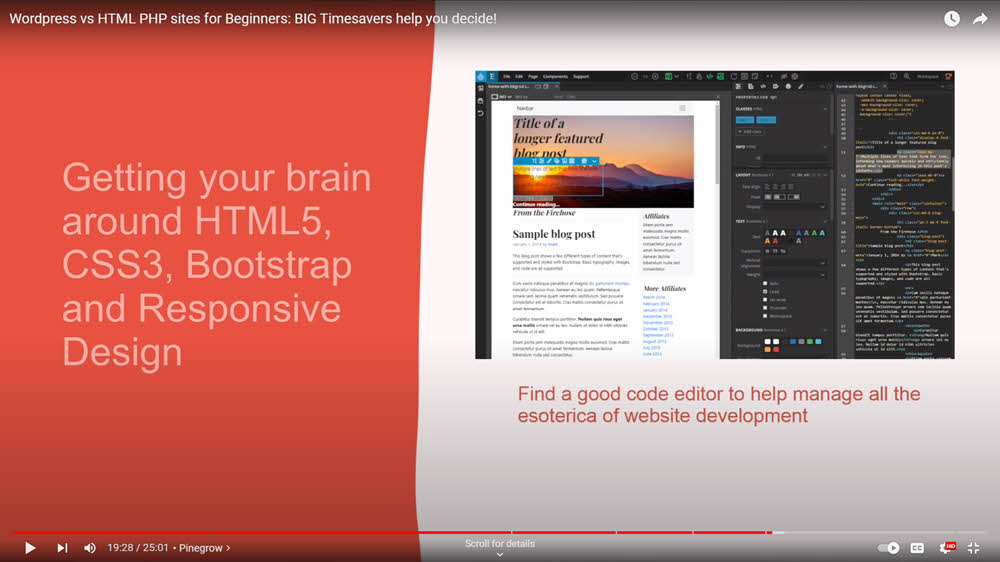
WordPress requires a local hosting environment (like WAMP, LAMP, or XAMPP) for development, allowing for a real-time feedback loop. For HTML/PHP sites, a simple local folder on your computer suffices, with tools like Pinegrow enhancing the development process.

slide-904
slide-905

slide-906
slide-907
Responsive Design Considerations
Responsive design is vital for both platforms. WordPress themes and page builders often include built-in responsive features. For HTML/PHP sites, frameworks like Bootstrap are needed to ensure the site adapts to various device sizes.

Deployment and Maintenance: A Critical Comparison
Deploying Your Site
Deployment for WordPress might involve exporting and importing to the web server, whereas for HTML/PHP sites, it’s a matter of uploading files to their corresponding domain folders.
Each has its workflow and considerations, especially regarding URL dependencies in WordPress.
Maintenance Differences
WordPress sites require more hands-on maintenance, including updates for the core system, themes, and plugins.
HTML/PHP sites, on the other hand, typically need less frequent updates, focusing more on content changes than system maintenance.
Final Thoughts: Making the Right Choice
The decision between WordPress and PHP/HTML depends on various factors, including update frequency, site complexity, and client proficiency.
WordPress offers a comprehensive solution for dynamic sites requiring regular updates, while HTML/PHP is ideal for both ends of the complexity spectrum; for simpler, less frequently updated sites and for greater complexity sites where WordPress plugins just can’t fill the tech gap.
Understanding these distinctions will guide you in choosing the most suitable platform for your or your client’s needs.

Iced coffee is often necessary when working with websites
Recent Comments