
Mark shows pagebuilding from scratch in both Elementor and Div, WordPress plugins, along with some of the gotchas for each.
Matching the right pagebuilder plugin with the right type of client requires understanding the differences in plugins and how they correlate to your client’s proficiency and expectations.
Updated December 20, 2023
Table of Contents
Choosing the Right Page Builder Plugin – Divi or Elementor
Understanding Divi’s Interface and User Experience
Elementor’s Accessibility and Layout
The Challenge of Adding Captions in Divi
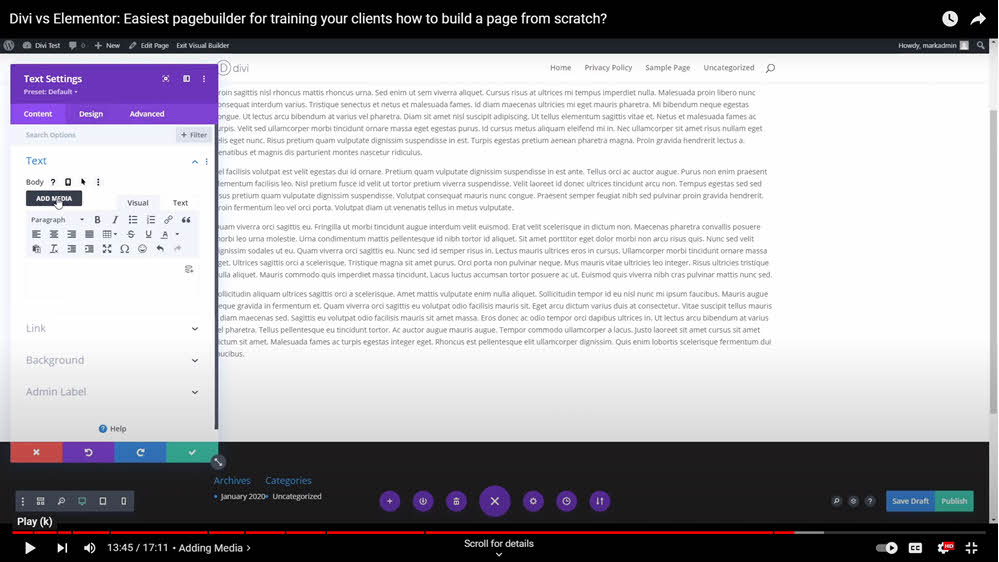
Adding Media in Divi and Elementor
Matching Client Needs with the Right Page Builder
Assessing Client Proficiency and Requirements
Choosing the Right Page Builder Plugin – Divi or Elementor?
Selecting the right page builder for your client can be a pivotal decision in web development. Today, we delve into different types of clients and their suitability for various page builders like Divi and Elementor. Understanding the client’s proficiency and requirements is essential in this process.
Screenshots from the video














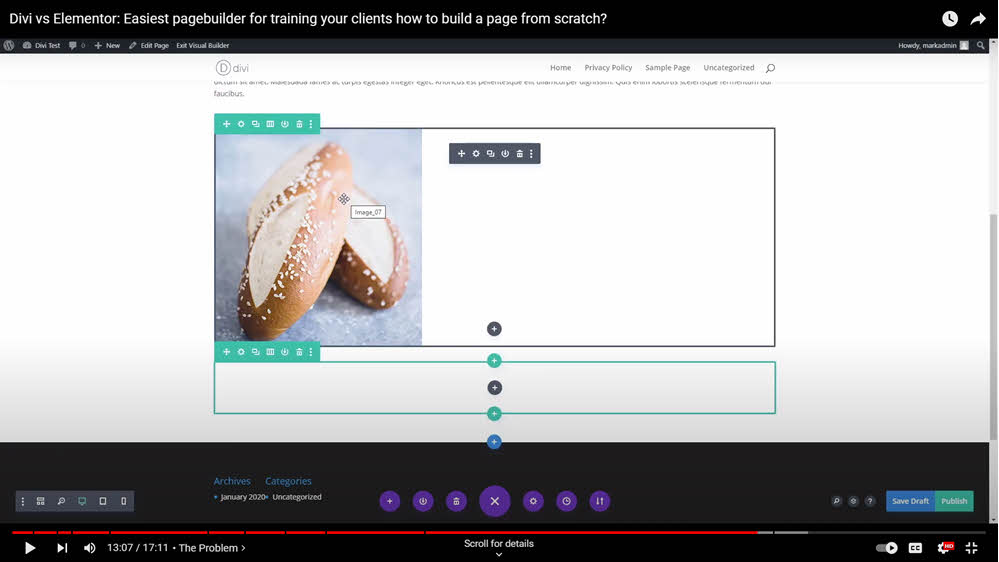


Understanding Divi’s Interface and User Experience
Starting with Divi
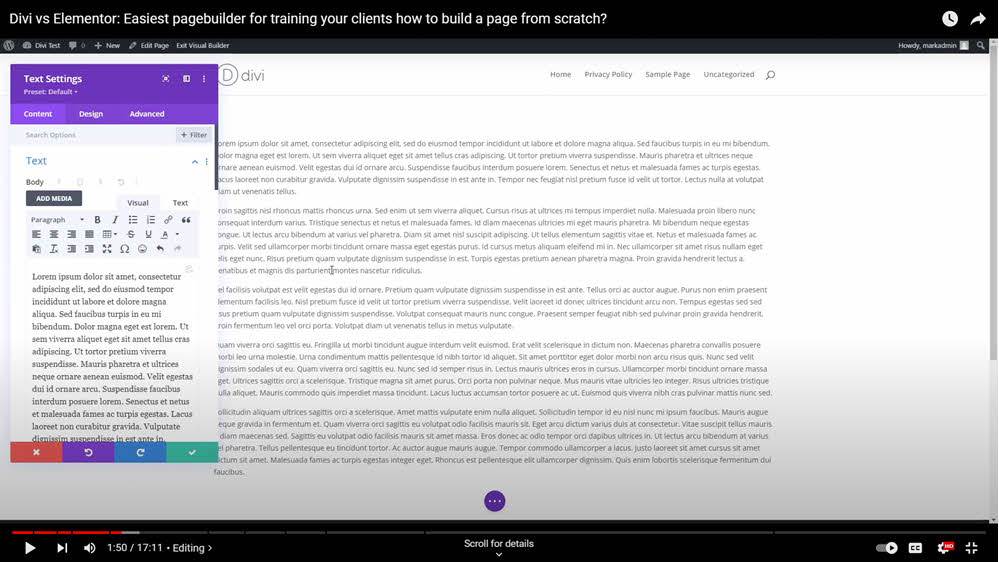
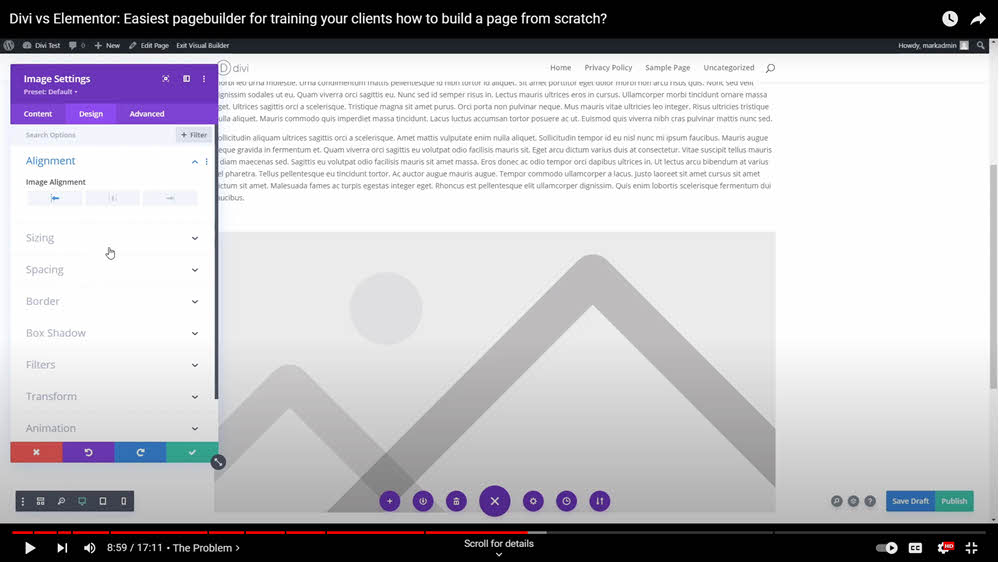
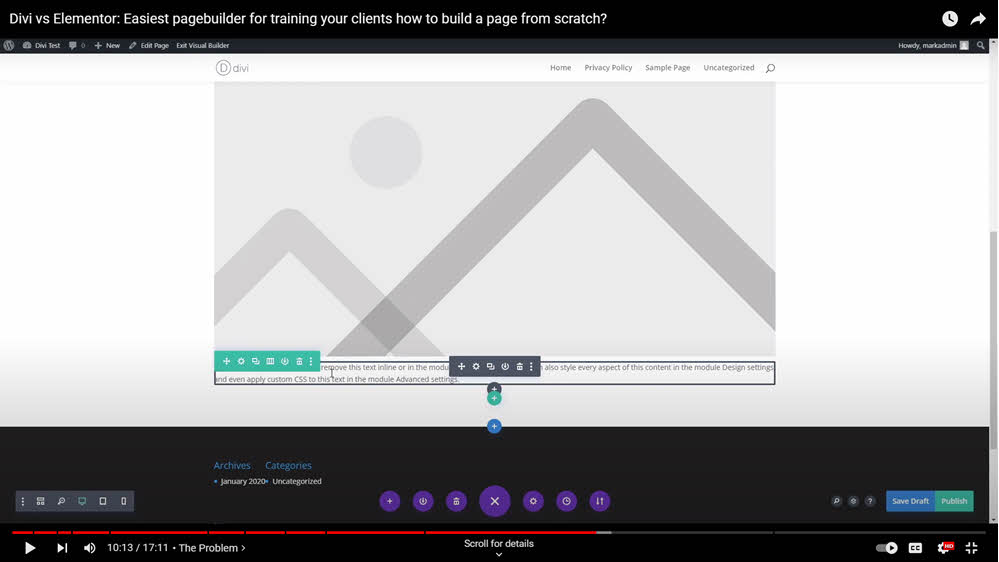
Divi offers a straightforward column structure, making it easy to begin a project. It provides a simple way to add and edit text blocks, though it requires a bit of navigation to access editing options.
Divi’s column structure setup is straightforward when beginning a web page.
Editing and Customization in Divi
Divi boasts a range of editing options, including color changes and text emphasis. However, it demands more muscle memory from the user, making it better suited for clients comfortable with learning and remembering specific steps in the page-building process.
Elementor’s Accessibility and Layout
The Elementor Experience
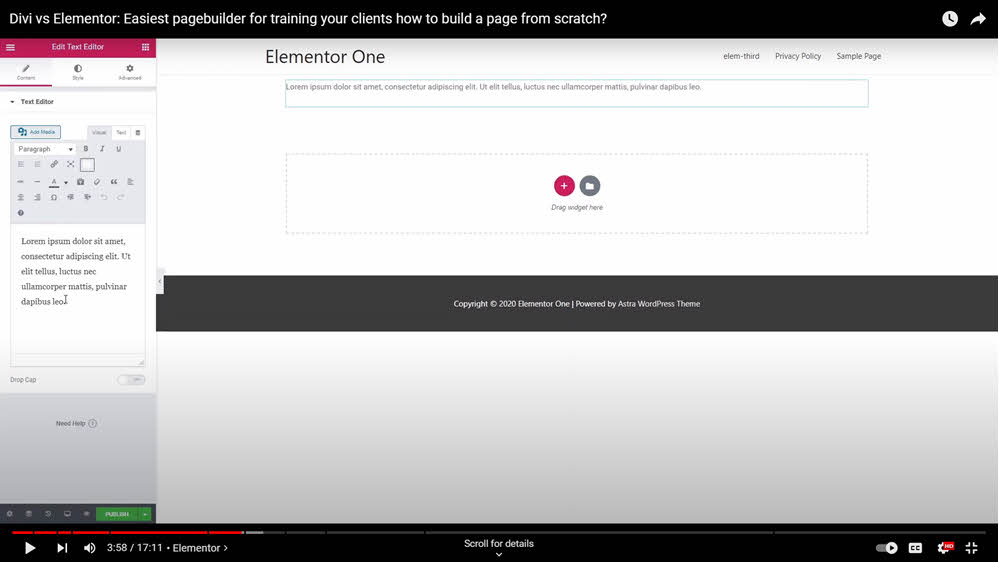
Contrasting Divi, Elementor provides easy access to tools and a more intuitive interface. It’s particularly user-friendly for clients new to page builders, as it allows straightforward editing and adding of elements like text and images without needing extensive knowledge or experience.
Image Addition and Settings in Elementor
Adding and editing images in Elementor is streamlined, with a consistent control system and easy navigation, making it less intimidating for newer users.
Surprise! Challenge of Adding Captions in Divi
Simplifying Advanced Tasks for New Clients
While Divi excels in certain areas, it can complicate seemingly simple tasks like adding captions to images.
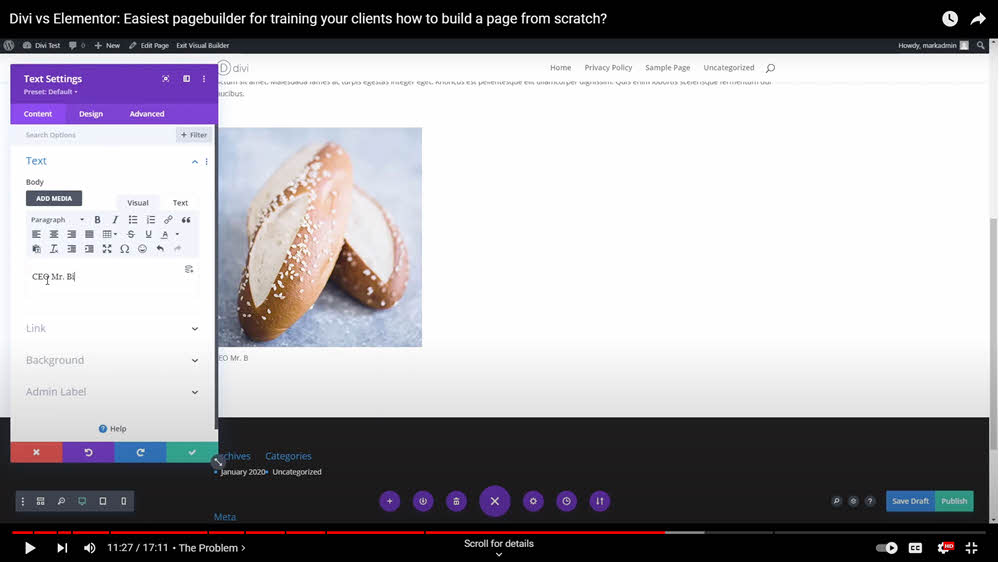
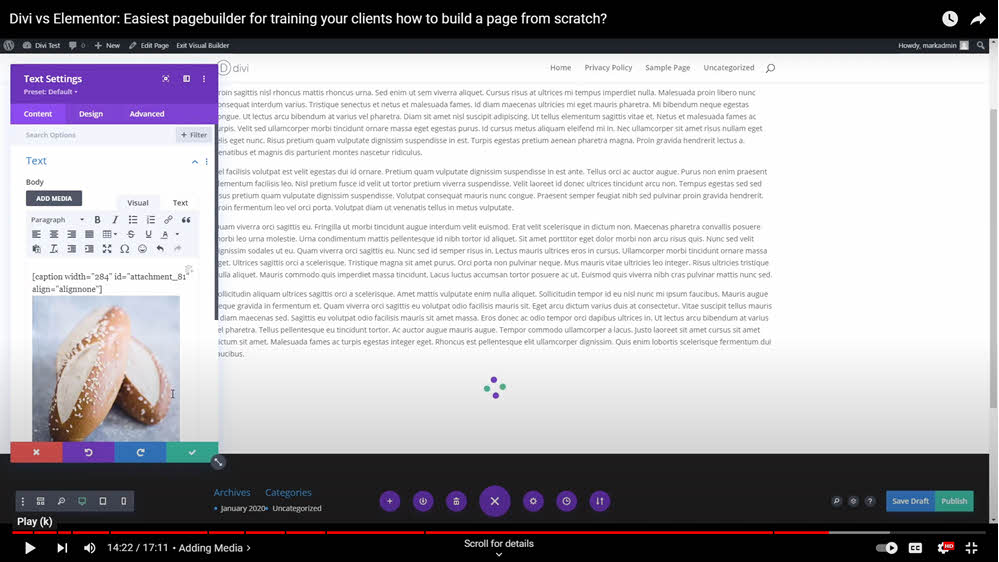
Case in point: the first time a client called to ask how to place a caption below an image. Well, it’s simple I thought — just enter it in the caption box. Surprise! This doesn’t work and requires a separate workaround. See my YouTube short here for a 1 minute explanation and solution.
Workarounds in Divi
While both pagebuilder plugins have their tics, Divi requires more advanced styling techniques to accomplish tasks like captioning images, which might be less than ideal for clients with limited experience in web development and styling.
Adding Media in Divi and Elementor
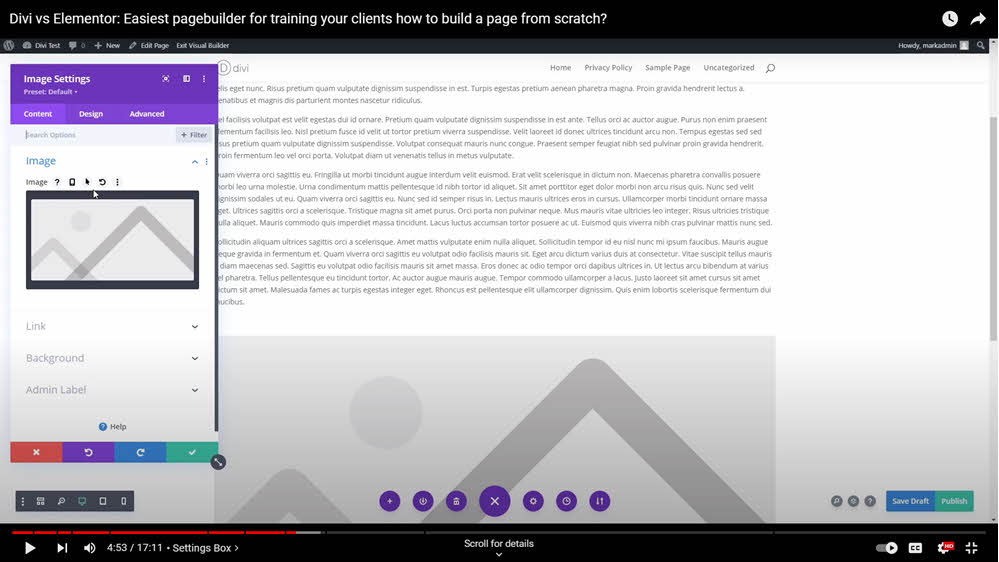
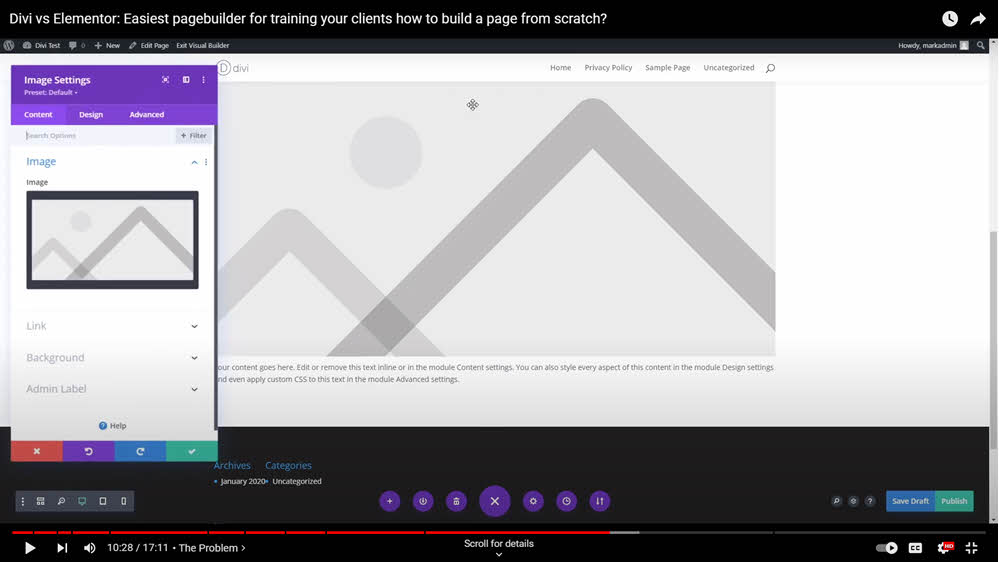
With the exception of adding captions to images in Divi, both page-builders accomplish similar feats in the same amount of clicks. Elementor, it can be said, however, does appear more straightforward in some processes such as insertion and alignment — you could say there is less hunting for solutions. Divi will hide some of these under dropdowns.
Matching Client Needs with the Right Page-Builder Plugin
Divi for Power Users
Divi is ideal for clients who are comfortable with a learning curve and require a robust set of tools for web development. It caters well to those with some experience in web design. You could say Divi is more sublime, with an edge toward growing your skill level as it unveils its power and features.
Elementor for Beginners and Simplicity
Elementor shines in its simplicity and user-friendliness, making it suitable for clients who are new to page building or prefer an intuitive interface.
Assessing Client Proficiency and Requirements
When choosing between Divi and Elementor, it’s crucial to consider the client’s proficiency level and their specific requirements. While Divi offers extensive functionalities for experienced users, Elementor provides an easier entry point for beginners and those who prioritize ease of use over advanced features.
Recent Comments