
Mark shares from experience how different types of clients are best suited to different pagebuilder templates. Some clients work best with Divi’s templates, while other clients prefer Elementor.
Watch as Mark walks through each WordPress pagebuilder plugin and discusses strengths and weaknesses for each.
Updated December 20, 2023
Today, we’re exploring the implications of designers and developers delivering projects to clients using Divi or Elementor page builders. Understanding the proficiency needed for clients to effectively utilize these tools is crucial for a successful handover. Previously, we examined the proficiency required to build pages from scratch using each of these page builders; now, we delve deeper into their functionalities and client usability.
Divi Theme and Builder: An Overview
Starting with Divi Builder
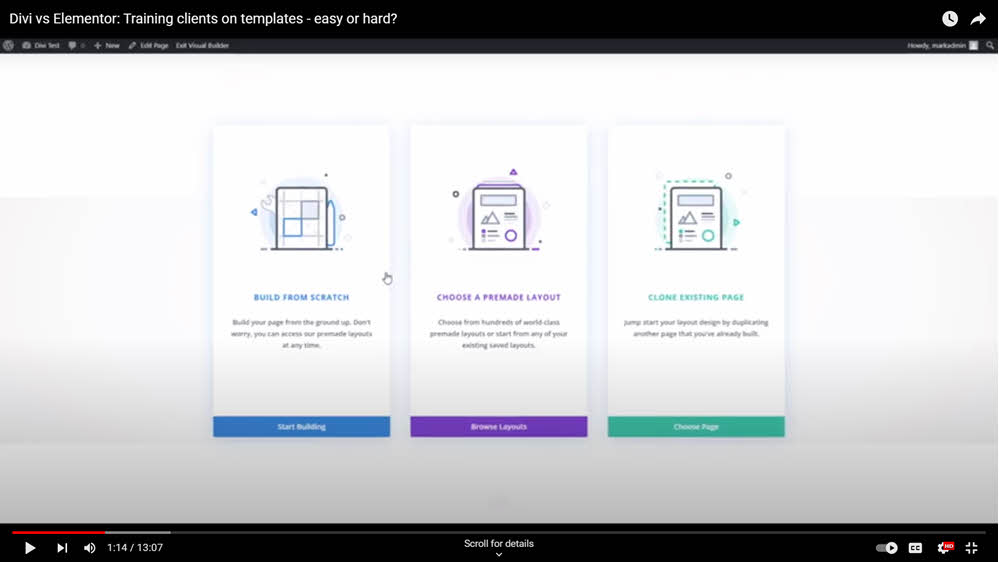
Divi Builder provides an intuitive start with options to choose from pre-made layouts or clone existing pages. This flexibility is advantageous for both beginner and advanced clients, offering a range of starting points.
Exploring Divi’s Layouts and Customization
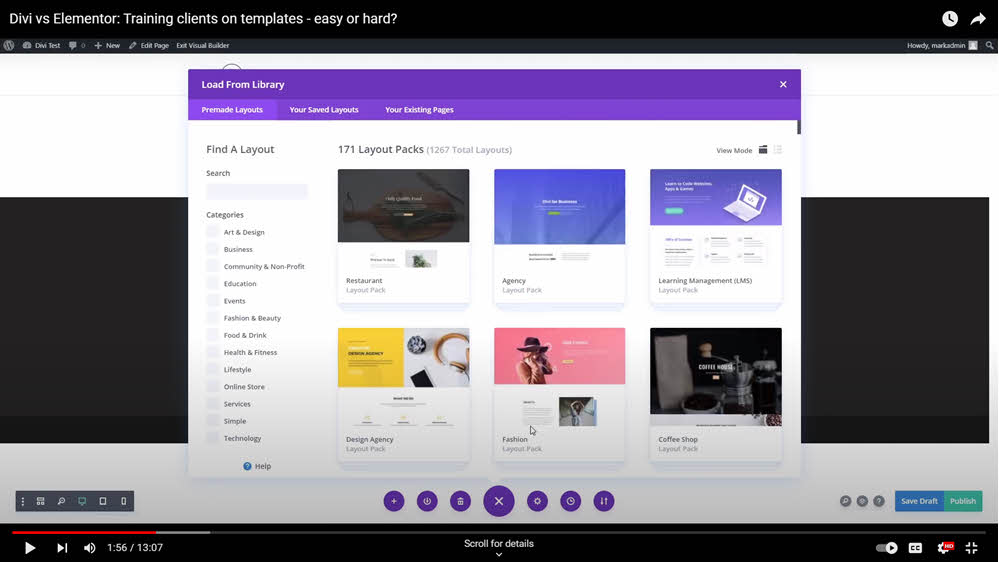
Divi offers an extensive selection of page structures and styles. The ease of importing layouts and the ability to customize elements like overlays and colors cater to clients seeking inspiration and bold design options.
Elementor Pro: A Comparative Analysis
Initial Steps in Elementor
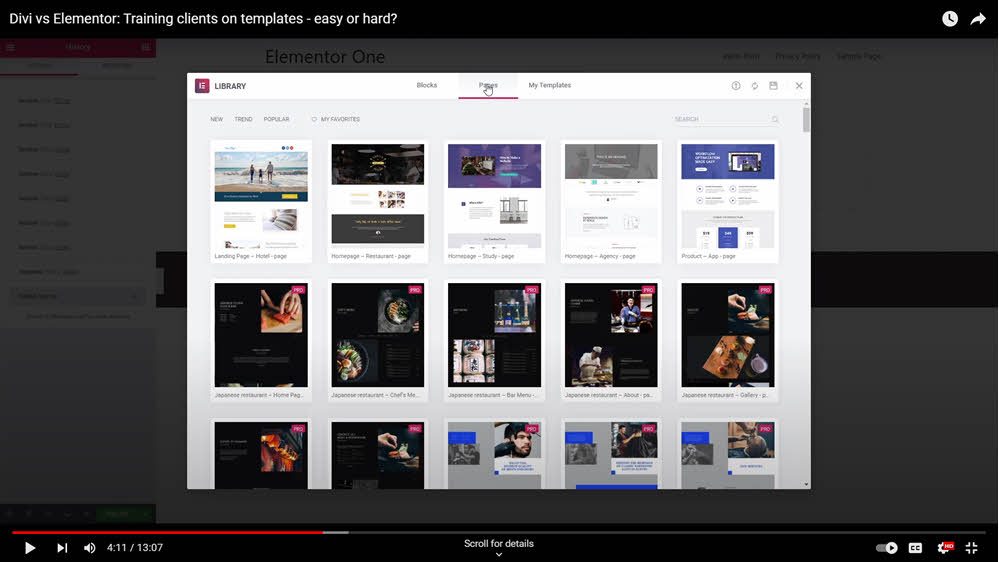
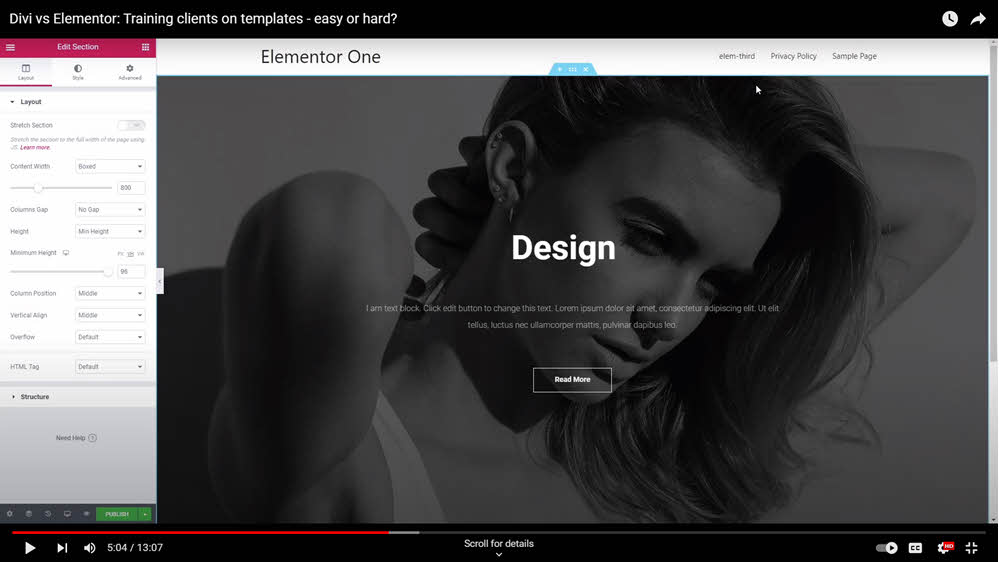
Elementor’s approach is slightly different, offering blocks, pages, and templates for easy insertion. It simplifies the process of choosing layouts by displaying options side-by-side, potentially reducing the number of clicks and time spent on selection.
Block Level Editing in Elementor
Elementor excels in its simplicity, especially when it comes to adding and styling individual blocks. This feature is particularly beneficial for clients who need less structured pages or prefer piecemeal construction.

Power in the Starter Templates Addon
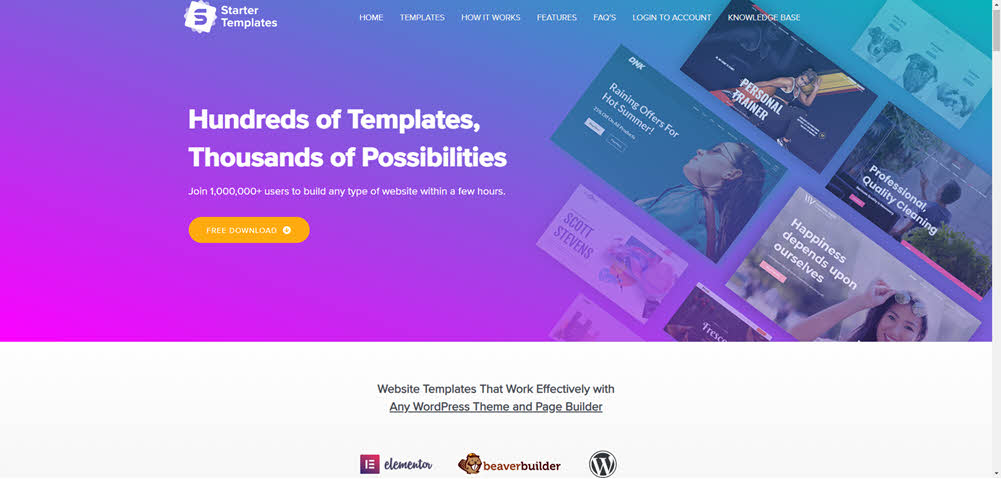
The powerful addon, Premium Starter Templates, works phenomenally well with Elementor in that it provides you with TONS of starter page designs. It deep dives, too, providing different pages — about, blog, home, landing — along each theme.
Comparing Features and Usability Between Divi and Elementor
Divi’s Advantages for Advanced Clients
Divi offers a more comprehensive approach to page building, with a wide range of insertable elements and a deep level of customization. It’s well-suited for clients who require detailed and unique page layouts.
Elementor’s Structure and Accessibility
Elementor, with its structured layout and straightforward editing tools, tends to be more user-friendly for beginners or clients who need more guidance. It allows easy access to customization options, making it ideal for quick and efficient page creation.
Client Proficiency and Page Builder Selection
Assessing Client Needs and Proficiency Levels
Choosing between Divi and Elementor should be based on the client’s proficiency level and specific needs. While Divi caters to clients who desire in-depth customization and have some experience in web design, Elementor is more suited to beginners or those who prefer a more guided experience.
Long-Term Growth and Learning with Page Builders
Both Divi and Elementor offer growth opportunities for clients. As clients become more familiar with these tools, they can exploit their full potential, whether it’s advanced customization in Divi or structured creativity in Elementor.
Tailoring the Right Page Builder to Each Client
In conclusion, Divi and Elementor serve similar client needs but at varying proficiency levels. Divi is ideal for those who seek deep customization and have some experience in web design. In contrast, Elementor caters to clients who need a more straightforward, structured approach. Ultimately, the choice depends on the specific requirements and skills of each client, ensuring they can effectively use the page builder for their ongoing needs. Both systems offer unique advantages and can support clients’ growth in website development.
Recent Comments